Doctile and Swedbank Gateway: invoice payments tracked automatically
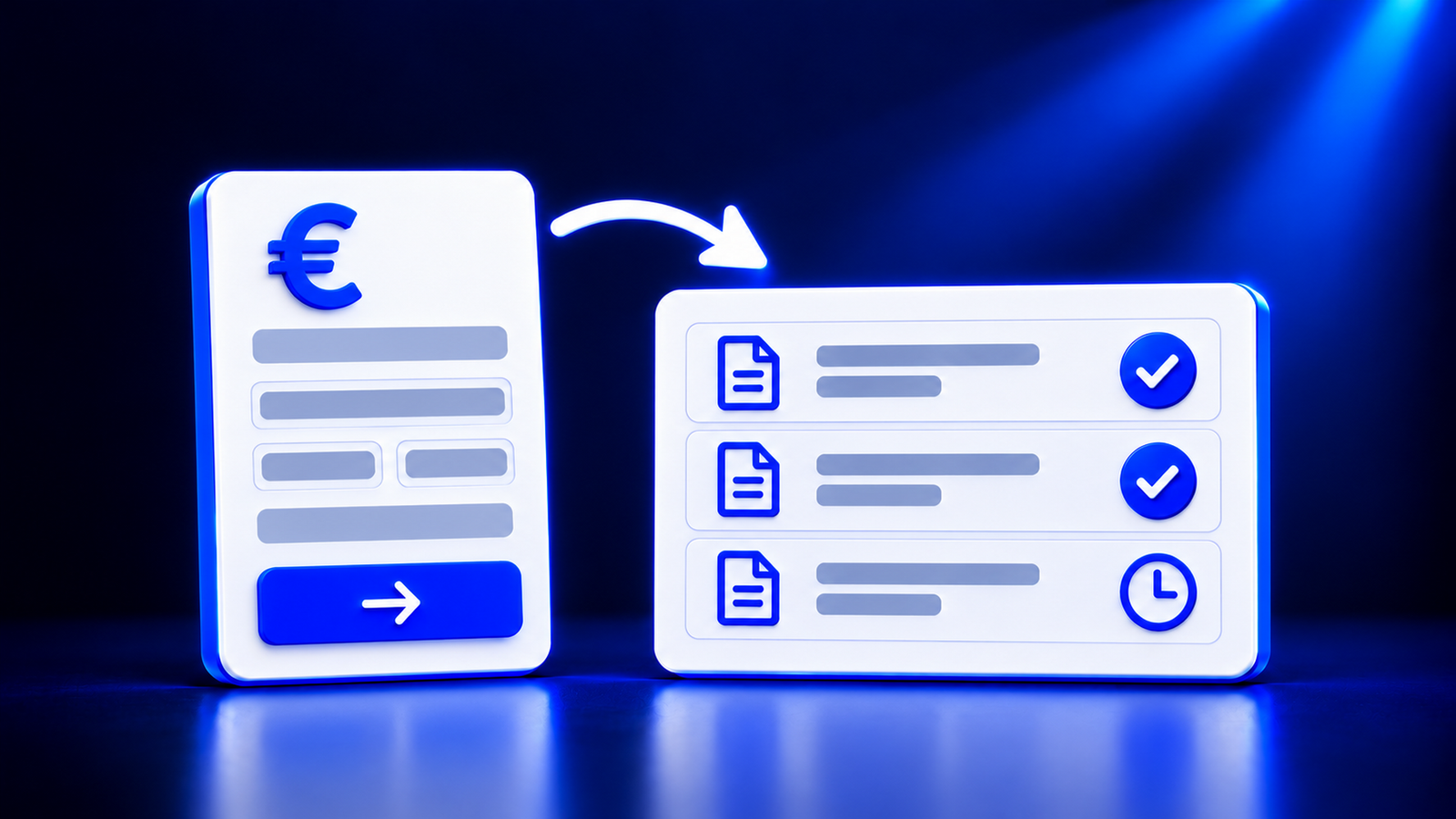
Doctile has become a Swedbank Gateway operator. This means Doctile receives information from the company's Swedbank account and automatically marks invoices as paid as soon as the funds arrive in the account. Bank payments can be prepared directly in Doctile. There is no longer any need to switch between the online bank and the invoicing system to figure out which client has paid and who hasn't.
What is Swedbank Gateway
Swedbank Gateway is a Swedbank solution that allows a company's software to communicate directly with the bank. The software receives account statements and transaction information, and can send payments to the bank. Connection can be established directly or through an operator. An operator is a service provider that has already established a connection with the bank. Doctile is now one of them.
Where time is lost reconciling payments with invoices
In many companies, payment control is still done manually. The workflow typically looks like this:
open the online bank and download the account statement;
search the invoice list for each incoming payment by amount and payment reference;
mark the invoice as paid in the invoicing system or spreadsheet;
separately compile a list of unpaid invoices and remind clients;
manually copy supplier payments into the online bank from the invoice.
Each step takes only a few minutes, but they repeat every week. Manual entry leads to errors, and the more invoices there are, the harder it is to notice if a payment hasn't come through.
What changes with Doctile and Swedbank Gateway
Payment status updates automatically
Once an invoice sent from Doctile is paid and the funds have arrived in the company's Swedbank account, the invoice is marked as paid in the dashboard. There is no need to download account statements and compare them against the invoice list.
Instantly see what remains unpaid
Since paid invoices mark themselves, unpaid ones remain separate. This makes it possible to remind clients about payment on time and better plan cash flow.
Bank payments can be prepared in Doctile
Payment details do not need to be manually re-entered into the online bank. The payment is prepared in Doctile, and the user reviews and approves it.
How it works
Connection. The company's Swedbank account is connected to Doctile via Swedbank Gateway.
Invoice. The invoice is issued and sent to the client from Doctile.
Payment. The client pays, and the funds arrive in the company's Swedbank account.
Marking. Doctile receives information from the bank, links the payment to the invoice, and marks it as paid.
Control. The dashboard shows which invoices are paid and which are still awaiting payment.
What this means for business owners and accountants
Business owners can view their invoice payments in a single overview and avoid wasting time checking bank accounts. This is especially useful when there are many invoices or clients pay on various terms.
Accountants receive pre-reconciled data and can focus on exceptions, such as partial payments or payments without an invoice number. This also simplifies work at year-end when verifying receivable balances. You can learn more about Doctile for accountants on the for accountants page.
Who has access to the feature
Currently, automatic payment marking and payment preparation are available to Swedbank clients. They will soon be available to clients of other banks as well.
What else Doctile does with invoices
Doctile is a document processing and e-invoice system. Using OCR and artificial intelligence, it reads invoices, receipts, and waybills, checks VAT and company data, and suggests journal entries according to the client's chart of accounts. Data can be exported in formats compatible with Zalktis, Moneo, Jumis, and Horizon. How to extract accounting-ready data from a PDF or a photo of a receipt is explained in the article OCR for invoices and receipts. E-invoice deadlines are described in the article E-invoices in Latvia: what you need to know by 2028, while the solution for businesses is described in detail on the for businesses page.
Frequently asked questions
What is Swedbank Gateway?
Swedbank Gateway is a Swedbank solution that allows an accounting or invoicing system to communicate directly with the bank. The system receives account statements and transaction information, and can send payments to the bank. Users no longer need to download statements from the online bank and upload them into another program.
How does Doctile know that an invoice has been paid?
Doctile receives information about incoming payments to the company's Swedbank account via Swedbank Gateway. Once an invoice sent from Doctile is paid and the funds have arrived in the account, the invoice is marked as paid in the Doctile dashboard. There is no need to manually find and mark the invoice.
Can a bank payment be prepared in Doctile?
Yes. Bank payments can be prepared directly in Doctile, eliminating the need to manually re-enter payment details in the online bank. The user reviews and approves the payment before sending, as responsibility for the payment remains with the company.
Who has access to the feature?
Currently, the feature is available to companies with accounts at Swedbank. Clients of other banks will also be able to use it soon. Connection procedures can be clarified by contacting Doctile.
Is there a fee from the bank for Swedbank Gateway?
According to Swedbank's price list, operator connection is offered to users without a monthly fee, as the connection to the bank is provided by the operator—in this case, Doctile. Certain bank services may have their own pricing, so current terms should be checked in Swedbank's price list.
Does automatic payment marking replace an accountant?
No. Doctile links payments to invoices and shows what has been paid. Accountants still review exceptions, such as partial payments or a single payment covering multiple invoices, and make decisions regarding journal entries. Less time is spent on routine reconciliation, leaving more time for control.
You can see how payment statuses and payments work for a specific company account by booking a demo. Request a demo
account statement, bank payments, e-invoices, invoice payments, payment reconciliation, productivity, Swedbank Gateway