OCR for Invoices and Receipts: How to Extract Accounting-Ready Data from PDFs or Photos
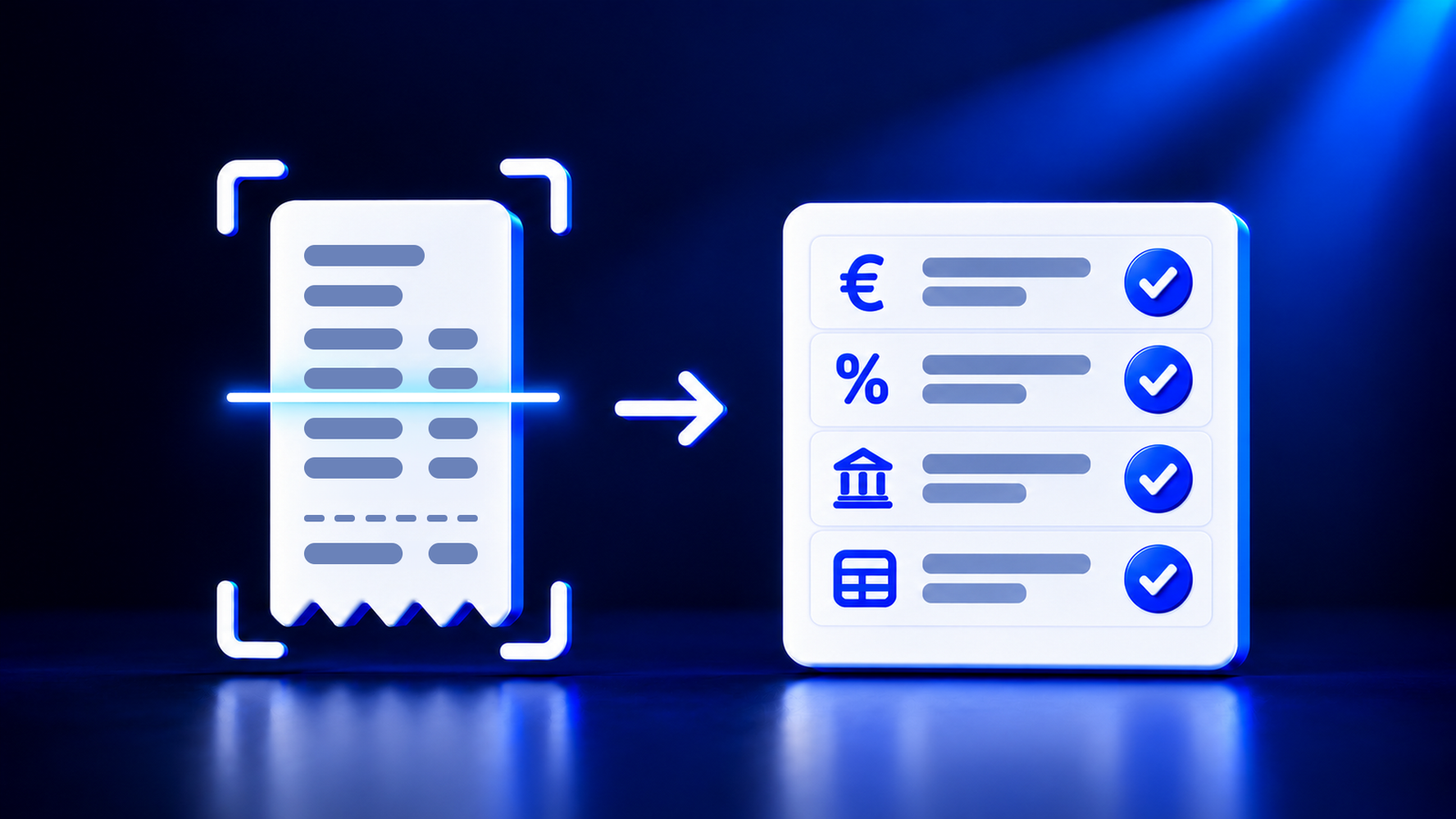
OCR for invoices and receipts is text recognition that reads invoice data from a PDF, scanned document, or photo. A general OCR or "pdf to word" tool only returns text. Accounting needs more: individual fields (supplier, date, amount, VAT), their verification, and a posting suggestion. Therefore, in invoice processing, OCR is used together with automated checks, while the final decision on each document is made by a human.
What OCR Does with an Invoice
OCR (optical character recognition) finds letters and numbers in an image and converts them into text. If the invoice is a PDF with a text layer, the text can be read immediately. If it is a scanned document or a receipt photo, the text must first be recognized using OCR.
Text alone is not enough for accounting. The line "Total to pay 121.00" must be recognized as the grand total, "21%" as the VAT rate, and "LV40..." as the VAT payer number. This step is called data extraction, and this is exactly what distinguishes an accounting tool from regular OCR.
Why "OCR online" and "pdf to word" Are Not Enough for Accounting
In Latvia, people search for "pdf to word" much more often than "ocr", and queries like "ocr pdf", "ocr online", and "free ocr" are also popular. This indicates that many want to extract data from a PDF, but start with a tool intended for a different job. Typical problems include:
the result is text that still needs to be retyped into the accounting software;
tables and invoice lines tend to get mixed up;
no one checks whether the amount excluding VAT plus VAT equals the grand total;
there is no connection to the chart of accounts, so the posting must be selected from scratch;
the invoice with the partner's details ends up on an unknown server.
What Data Must Be Extracted from an Invoice or Receipt
supplier name, registration number, and VAT payer number;
document number, date, and due date;
amount excluding VAT, VAT broken down by rate, and grand total;
currency and bank account (IBAN);
goods or services lines, if needed for posting.
How to Extract Accounting-Ready Data from a PDF or Photo
Document collection. Invoices and receipts are uploaded or forwarded to a single email address instead of being stored in various folders.
Field reading. OCR recognizes the text, and the system divides it into fields.
Data verification. The system checks whether the amounts add up to the total, whether the VAT rates are correct, and whether the details are complete.
Posting suggestion. The system suggests an account according to the company's chart of accounts.
Approval. The accountant reviews the highlighted areas, approves the data, and exports them.
The entire workflow is described in detail in the article From Manual Invoice Entry to Automated Data Flow.
What to Check When Choosing an OCR Tool for Invoices
whether it reliably reads Latvian text with diacritics and local details;
whether the result consists of fields rather than just text;
what checks are performed automatically and how uncertain fields are flagged;
where data is stored and whether it is used for AI training;
in what format the data reaches the accounting software.
An E-Invoice Does Not Need OCR
An e-invoice is a structured XML file, so its data does not need to be recognized. Until e-invoices between businesses become mandatory, many suppliers will continue to send PDFs. Therefore, in practice, both PDF invoices and receipts and e-invoices must be processed in a single workflow. Deadlines are described in the article E-Invoices in Latvia: What to Know by 2028.
How Doctile Processes Invoices and Receipts
Doctile is a tool for accounting digitization. It reads invoices, receipts, and PDF documents and prepares data for bookkeeping. Documents can be uploaded or sent to the company's OCR email address. Doctile checks VAT, totals, and IBANs and suggests postings according to each client's chart of accounts. The user reviews and approves the data. Afterward, they can be exported in XML or XLS format or transferred to another system via REST API. Data is stored in the EU and is not used for AI training.
With Doctile, you can also issue an invoice and send it as an e-invoice to the recipient's e-adrese. The solution is described in more detail on the for accountants and for businesses pages, while answers to frequently asked questions can be found in the FAQ section.
Frequently Asked Questions
What is OCR?
OCR (optical character recognition) is optical character recognition. It converts characters visible in an image or scanned PDF into text that a computer can read and search. In invoice processing, OCR is only the first step. Afterward, the text must be divided into fields, such as date, amount, and VAT, and these fields must be verified.
Does a free "OCR online" tool work for invoices?
A free online OCR tool works if you need to quickly copy text from a single document. For accounting, this is usually not enough because the tool does not divide data into fields or check amounts. Furthermore, the invoice with the partner's details is uploaded to a server about whose data storage practices often nothing is known.
How does OCR differ from "pdf to word"?
A pdf to word tool creates an editable document from a PDF with the same text and layout. For a scanned PDF, it uses OCR. The result is still text that must be retyped into the accounting software. OCR intended for accounting immediately returns structured fields and checks whether amounts and VAT match.
Can OCR read a receipt photo?
Yes, if the photo is sharp, well-lit, and the receipt is fully visible. Faded thermal paper, shadows, and a crumpled receipt reduce reading quality. Therefore, it is best to photograph the receipt immediately after purchase against a single-color background. If any field is not read reliably, a human reviews and corrects it.
Does an accountant still need to check data after OCR?
Yes. OCR and automated checks reduce retyping and find typical errors, but do not assume responsibility for the posting. The accountant reviews the read fields, especially those flagged by the system as uncertain, and approves the posting. Thus, the accountant's work shifts from data entry to control and exception handling.
Does an e-invoice need OCR?
No. An e-invoice is a structured XML file where all data is already in separate fields, so it does not need to be recognized. OCR is needed for PDF invoices, scanned documents, and receipts. Until e-invoices between businesses become mandatory, it is convenient to process both document types in a single workflow.
You can check how Doctile reads a specific company's invoices and receipts in a demonstration. Request a demonstration
Information current as of October 19, 2026.
accounting digitalization, invoice processing, OCR, PDF, posting, receipts, VAT